
Can I get IPTV on my Apple TV in Ireland?
Yes, you can. The Apple TV is one of the best devices for IPTV in Ireland: it is fast, the picture is excellent and the App Store has several good IPTV player apps. This guide explains which apps to choose, how to add your login, and how to get the guide, favourites and picture just right.
On this page
- Yes, IPTV works on Apple TV
- Which Apple TV models work
- Choosing a player
- Step 1: Install the app
- Step 2: Add your login
- Step 3: Set up the guide and favourites
- Getting the best picture on Apple TV
- Using Apple TV abroad
- AirPlay from iPhone or iPad
- Common problems
- Help on WhatsApp
- Independent apps and brands
- Apple TV with an Irish household
- Siri Remote tips
- Apple TV and a soundbar
- Two Apple TVs, one plan
- Apple TV compared with a Fire TV Stick
Yes, IPTV works on Apple TV
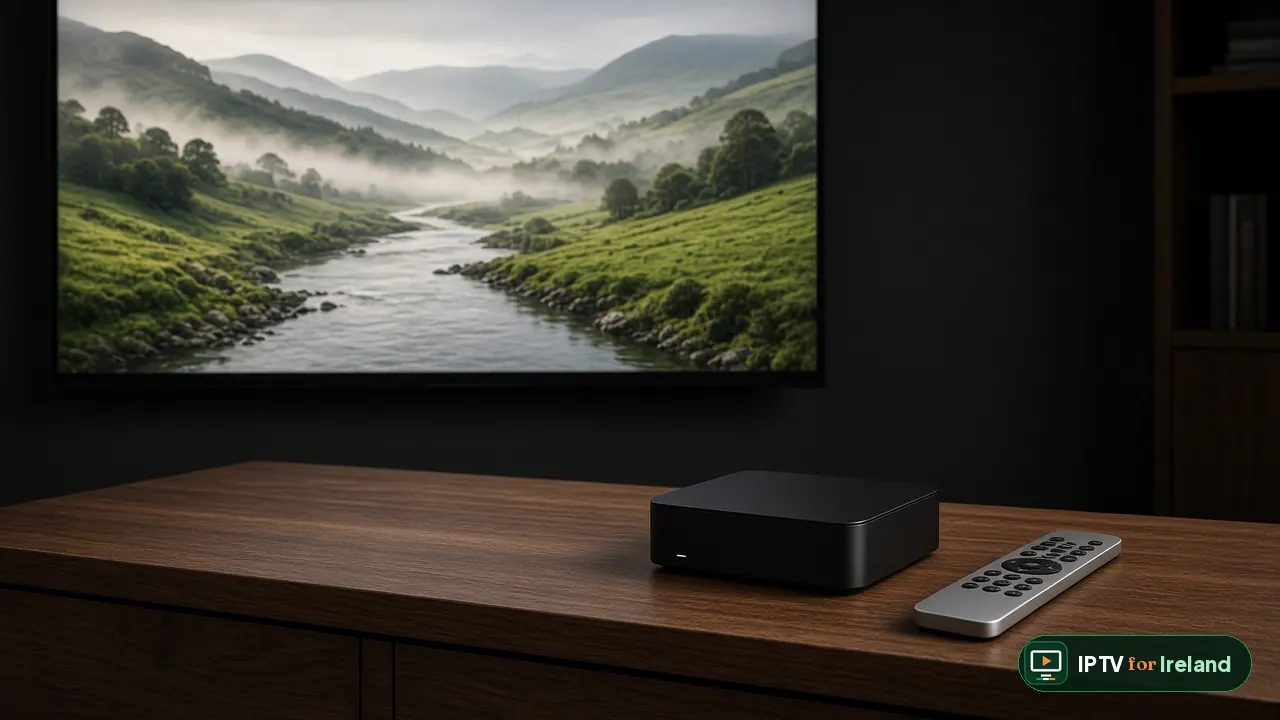
Apple TV is a popular choice in Irish homes that already use iPhones, iPads and Macs. It is quick, it rarely needs a restart, and its picture processing is excellent for both sport and films. Apple does not make an IPTV app itself, but the tvOS App Store has several good players from independent developers, and they work with IPTV for Ireland just like apps on other devices.
Which Apple TV models work
- Apple TV 4K (all generations): the best choice, with 4K support and plenty of power.
- Apple TV HD: works well for HD channels; it does not play 4K.
- Older Apple TV models (third generation and earlier) do not have an App Store and cannot run IPTV apps.
Update your Apple TV first: Settings > System > Software Updates > Update Software.
Choosing a player
| App | Strengths | Things to know |
|---|---|---|
| IPTVX | Polished design, good guide, films and series | Paid features |
| iPlayTV | Classic TV-style guide, reliable | Paid app |
| UHF | Clean interface, good catch-up support | Optional subscription for extras |
| Smarters Player Lite | Familiar if you use IPTV Smarters elsewhere | Fewer features on tvOS |
App features and prices change, and some apps may not be available in every region's store. Tell us what matters to you, a classic guide, catch-up or the simplest possible menus, and we will recommend one.
Step 1: Install the app
- On the Apple TV home screen, open the App Store.
- Choose Search and type the app name.
- Select the app and choose Get (or the price for paid apps).
- Confirm with your Apple ID if asked. The app appears on the home screen.
Step 2: Add your login
Most Apple TV players support the Xtream Codes login. The screens differ a little between apps:
- Open the app and choose Add playlist, Add provider or Add source.
- Choose Xtream Codes (sometimes labelled Xtream API or Login with Xtream).
- Enter the server address, username and password we sent, exactly as written.
- Save. The app downloads the channels, guide, films and series.
If the app only supports M3U, choose M3U URL, paste the playlist link and add the separate EPG link we include.
Tip: typing long addresses with the Siri Remote is slow. If your iPhone is nearby, a keyboard notification appears on it when a text box is open on the Apple TV, so you can type or paste on the phone instead.
Step 3: Set up the guide and favourites
Give the guide a few minutes to load. Then:
- Add your favourite Irish channels to the favourites list.
- Hide groups you do not use.
- Choose the guide style you like, grid or list.
- Set a passcode for adult groups if the app supports it, or use Apple TV's Restrictions in Settings > General.
Getting the best picture on Apple TV
Apple TV has two settings that make a real difference for IPTV:
- Match Content. Go to Settings > Video and Audio > Match Content and turn on Match Dynamic Range and Match Frame Rate. The Apple TV then switches to the frame rate of each channel, which makes Irish and European 50 Hz broadcasts, especially sport, look much smoother.
- Format. In Settings > Video and Audio > Format, choose the highest format your TV supports, for example 4K SDR or 4K HDR.
Use the Ethernet port on the Apple TV 4K (Wi-Fi + Ethernet model) if your router is nearby. Otherwise, make sure the Apple TV is on the 5 GHz Wi-Fi band.
Using Apple TV abroad
Many Irish customers abroad use Apple TV, especially in the USA and Canada. The device's time zone sets the guide times: check Settings > General > Date and Time. If you move country, IPTV apps keep working, though the App Store follows your Apple ID's country, which can affect which apps you can download.
AirPlay from iPhone or iPad
If you already use an IPTV app on your iPhone or iPad, you can AirPlay a channel to the Apple TV. It is handy for a quick look, but for regular viewing a player installed on the Apple TV is better: the picture comes straight from the stream rather than through the phone, and the phone is free for other things.
Common problems
- The app cannot connect. Check the server address includes "http://" and the port, and that there are no spaces in the username or password.
- The guide is blank. Wait a few minutes, then refresh the EPG in the app settings. Check the Apple TV's time zone.
- Jerky motion during sport. Turn on Match Frame Rate as described above.
- Buffering. Use Ethernet or 5 GHz Wi-Fi, restart the router and see our buffering guide.
- The app is not in the store. It may not be available in your Apple ID's region. Ask us for an alternative.
Help on WhatsApp
Send us a photo of the screen, the app name and your Apple TV model. We answer every day, 9:00 am to 11:00 pm Irish time (Dublin).
Independent apps and brands
Apple and app names are used only to describe compatibility. IPTV for Ireland is not connected to Apple or to any app developer, and player apps are sold and supported by their own developers.
Apple TV with an Irish household
Apple TV suits households where everyone uses an iPhone. Family members can use the Apple TV remote app on their phones, type logins on the phone keyboard and AirPlay photos or videos between IPTV sessions. For parents, Apple's Screen Time and Restrictions settings add a second layer of protection on top of the parental PIN inside the IPTV app.
Siri Remote tips
- Click the centre of the touchpad to select; swipe to move quickly through long channel lists.
- Press and hold the TV button to open the Control Centre for sleep and audio settings.
- In most player apps, swiping left or right during playback skips back or forward in catch-up and films.
- If you lose the remote down the side of the sofa, the Apple TV Remote in your iPhone's Control Centre does the same job.
Apple TV and a soundbar
Apple TV sends surround sound to a soundbar or receiver connected by HDMI or through the TV's eARC port. In Settings > Video and Audio > Audio Format, leave Change Format set to automatic unless you have a specific reason to change it. Most IPTV players pass through the audio formats that each channel or film carries.
Two Apple TVs, one plan
You can install the same player on several Apple TVs and use the same login on each. Most player apps can also sync settings through iCloud, so your favourites and groups appear on every Apple TV in the house. As always, your number of connections decides how many play at the same time.
Apple TV compared with a Fire TV Stick
Apple TV costs more than a Fire TV Stick, but it is faster, the picture is excellent and it rarely needs attention. A Fire TV Stick gives you TiviMate and a cheaper price. Both are good choices; if you already live in the Apple world, Apple TV will feel the most natural.










IPTV for Ireland plans and prices
Each plan opens every channel and the full on-demand library. Choose the length and the number of screens, then pay once in GBP.
1 month · 1 screen
£10.99
£10.99 a month
Shortest commitment
- 44,000+ live channels
- 186,000+ movies · 12,000+ series
- Irish, UK, US, sport, international and kids' channels
- HD, FHD and 4K
- EPG TV guide and catch-up
- Smart TV, Fire TV, Android, Apple TV, iPhone, PC, MAG, Formuler
- Stable anti-freeze servers
- Daily WhatsApp support
Pay by card or PayPal · login sent on WhatsApp
3 months · 1 screen
£22.99
£7.66 a month
Covers a full season
- 44,000+ live channels
- 186,000+ movies · 12,000+ series
- Irish, UK, US, sport, international and kids' channels
- HD, FHD and 4K
- EPG TV guide and catch-up
- Smart TV, Fire TV, Android, Apple TV, iPhone, PC, MAG, Formuler
- Stable anti-freeze servers
- Daily WhatsApp support
Pay by card or PayPal · login sent on WhatsApp
6 months · 1 screen
£34.99
£5.83 a month
Half a year sorted
- 44,000+ live channels
- 186,000+ movies · 12,000+ series
- Irish, UK, US, sport, international and kids' channels
- HD, FHD and 4K
- EPG TV guide and catch-up
- Smart TV, Fire TV, Android, Apple TV, iPhone, PC, MAG, Formuler
- Stable anti-freeze servers
- Daily WhatsApp support
Pay by card or PayPal · login sent on WhatsApp
12 months · 1 screen
£49.99
£4.16 a month
Lowest monthly rate
- 44,000+ live channels
- 186,000+ movies · 12,000+ series
- Irish, UK, US, sport, international and kids' channels
- HD, FHD and 4K
- EPG TV guide and catch-up
- Smart TV, Fire TV, Android, Apple TV, iPhone, PC, MAG, Formuler
- Stable anti-freeze servers
- Daily WhatsApp support
Pay by card or PayPal · login sent on WhatsApp
Streaming on 2 or 3 devices at once?
Same channels and library, more streams at the same time. Tap any price to start that order on WhatsApp.
| Connections | 1 month | 3 months | 6 months | 12 months |
|---|---|---|---|---|
| 1 connection | £10.99£10.99 a month | £22.99£7.66 a month | £34.99£5.83 a month | £49.99£4.16 a month |
| 2 connections | £15.99£15.99 a month | £31.99£10.66 a month | £49.99£8.33 a month | £69.99£5.83 a month |
| 3 connections | £19.99£19.99 a month | £41.99£13.99 a month | £62.99£10.49 a month | £86.99£7.24 a month |
All prices are in pounds sterling (GBP £) and are paid once. Nothing renews by itself and there is no contract, so you are never charged again unless you decide to extend. Every plan opens the same 44,000+ live channels, 186,000+ movies and 12,000+ series; only the length and the number of screens that can watch at once change. Not sure yet? Start with the free 24-hour trial. How the free trial works.
Questions Irish viewers ask
Can I get IPTV on my Apple TV in Ireland?
Yes. Install an IPTV player from the App Store on your Apple TV, add the login details we send and the channels, guide and library appear. It works on the Apple TV HD and all Apple TV 4K models.
Which IPTV app is best on Apple TV?
Popular choices include IPTVX, iPlayTV, UHF and Smarters Player Lite. Some are free, some paid, some have optional upgrades. We recommend one based on what you want, such as catch-up or a classic guide.
Is TiviMate available on Apple TV?
No. TiviMate is only available on Android devices. Apple TV has its own good players with similar features.
Do I need an Irish App Store account?
No special account is needed. Most IPTV players are available in the Irish and UK App Stores. If an app is missing, it may not be offered in your account's region.
Can I use AirPlay instead?
Yes, you can AirPlay from an iPhone or iPad to the Apple TV. But a player app installed on the Apple TV itself gives a better picture and a more reliable connection.
Which Apple TV model do I need?
Any Apple TV HD or Apple TV 4K running a current version of tvOS. The Apple TV 4K models give the best performance and support 4K channels.
Does IPTV on Apple TV support catch-up?
Several Apple TV players support catch-up on channels that offer it, including UHF and IPTVX. Look for a rewind icon in the guide or a catch-up section in the app.