
IPTV buffering fix for Irish homes
A picture that freezes just as a free kick is taken is the most frustrating thing about streaming TV. The good news is that most buffering in Irish homes can be fixed in an evening, usually without spending anything. This guide works from the quickest checks to the bigger changes, with notes on Irish broadband networks along the way.
On this page
Start here: the five-minute checks
Before changing anything, run through these quick checks. They solve a surprising share of buffering problems.
- Restart everything. Switch off the router, the TV and the stick or box, wait thirty seconds and switch them on again, router first.
- Close other apps. On Fire TV Sticks and Android boxes, apps left running in the background use memory and network. Force-close them or restart the device.
- Check what else is using the line. Game downloads, console updates, cloud photo backups and large file transfers can take most of your bandwidth.
- Try another channel. If only one channel buffers, the issue is that stream. Tell us which one.
- Run a speed test on the device. Use a speed-test app on the TV or stick itself, not on your phone next to the router.
6. Move the router or the TV
In many Irish homes the broadband router sits in the hall, beside the front door where the line comes in, often in a cupboard or behind a metal meter box. The TV is two rooms away through thick walls. Moving the router a couple of metres into the open, or higher off the floor, can double the Wi-Fi speed at the TV. Keep it away from microwaves, cordless phone bases and fish tanks.
7. Use a network cable
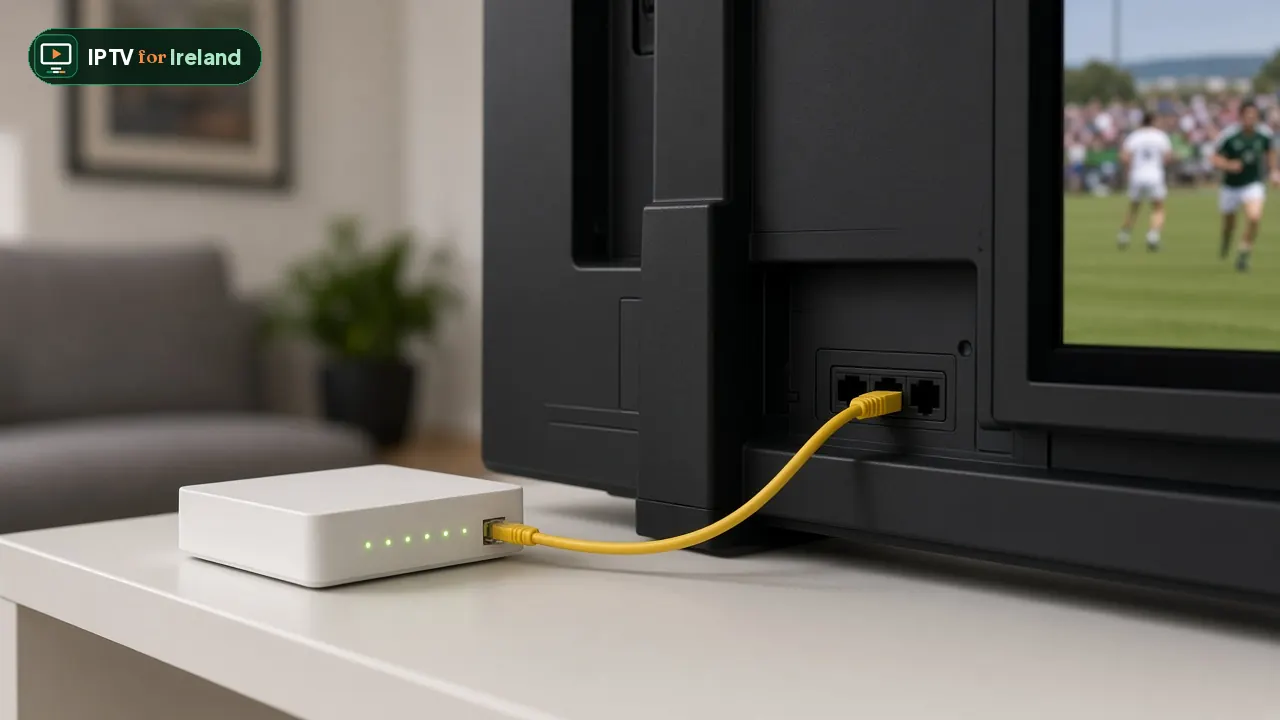
A network cable from the router to the TV, stick or box is the most reliable fix there is. Fire TV Sticks need an Ethernet adapter; most Smart TVs, Android boxes, Apple TV and MAG and Formuler boxes have a network port built in. Flat cables can be run neatly along skirting boards or under carpets.
8. Try powerline adapters or mesh Wi-Fi
If a cable is impractical, powerline adapters send the network through your electrical wiring: one plugs in next to the router, the other next to the TV. They work well in most houses, though results vary with old wiring. Mesh Wi-Fi systems, with two or three units around the house, are another good option, especially in long bungalows and stone cottages.
9. Pick the right Wi-Fi band
Modern routers offer two Wi-Fi bands. The 5 GHz band is faster and less crowded but does not travel as far through walls; the 2.4 GHz band reaches further but is slower and busier. If your TV is in the same room or the next room, use 5 GHz. If it is far from the router, a cable or mesh is better than either.
10. Adjust the app settings
- Stream format: in IPTV Smarters Pro and similar apps, try switching between the HLS and MPEG-TS formats in the settings.
- Buffer size: some apps let you increase the buffer, which gives a few more seconds of protection against short slowdowns.
- Player: many apps offer more than one internal player; if one stutters, try another.
- Quality: if your connection is borderline, choose the HD version of a channel instead of Full HD or 4K.
11. Check your broadband and talk to your provider
Irish broadband varies a lot by technology and location. Fibre to the home, now available from Eir, Virgin Media, Vodafone, Sky Broadband, Pure Telecom and other providers across much of the country, is ideal for IPTV. Cable broadband is also excellent. Part-fibre lines over copper can be fine close to the cabinet but slow further away. Rural homes on fixed wireless, 4G or 5G home broadband can usually manage HD, especially with an outdoor antenna.
If your speed test on the device shows much less than you pay for, or the speed drops every evening, contact your broadband provider and ask them to check the line. Many providers can test remotely and some offer free router upgrades. If you are still on an old copper line and fibre has reached your area, upgrading is often cheaper than you expect.
12. Tell us
If you have tried the steps above and the picture still buffers, message us on WhatsApp with your device, your app, the channel and the result of a speed test on the device. Our support team works every day, 9:00 am to 11:00 pm Irish time (Dublin) and can check whether a particular stream or server needs attention, suggest a different app or settings, and help you test.
Buffering on big match days
On Championship Sundays, rugby international weekends and big football evenings, demand peaks for every service and every broadband network at the same time. We plan our capacity for those moments. At home, prepare the day before: restart the router, connect by cable if you can and keep other heavy use off the line during the match.
What not to do
- Do not install "speed booster" or "cleaner" apps on your stick; most do nothing useful and some slow the device down.
- Do not rely on VPNs or proxies to fix buffering; they often add delay and make it worse.
- Do not buy a new TV before testing with a cable; the problem is usually the network, not the screen.
Quick reference
| Symptom | Most likely cause | First fix |
|---|---|---|
| Buffering on all channels in the evening | Broadband congestion or Wi-Fi | Network cable, restart router |
| Buffering on one channel only | That stream | Tell us the channel name |
| Picture good on phone, bad on TV | Wi-Fi at the TV location | Move router, cable or mesh |
| Sound but frozen picture | Device memory | Restart the stick or box |
| Buffering only in 4K | Not enough bandwidth | Use the HD version |
IPTV for Ireland plans and prices
Each plan opens every channel and the full on-demand library. Choose the length and the number of screens, then pay once in GBP.
1 month · 1 screen
£10.99
£10.99 a month
Shortest commitment
- 44,000+ live channels
- 186,000+ movies · 12,000+ series
- Irish, UK, US, sport, international and kids' channels
- HD, FHD and 4K
- EPG TV guide and catch-up
- Smart TV, Fire TV, Android, Apple TV, iPhone, PC, MAG, Formuler
- Stable anti-freeze servers
- Daily WhatsApp support
Pay by card or PayPal · login sent on WhatsApp
3 months · 1 screen
£22.99
£7.66 a month
Covers a full season
- 44,000+ live channels
- 186,000+ movies · 12,000+ series
- Irish, UK, US, sport, international and kids' channels
- HD, FHD and 4K
- EPG TV guide and catch-up
- Smart TV, Fire TV, Android, Apple TV, iPhone, PC, MAG, Formuler
- Stable anti-freeze servers
- Daily WhatsApp support
Pay by card or PayPal · login sent on WhatsApp
6 months · 1 screen
£34.99
£5.83 a month
Half a year sorted
- 44,000+ live channels
- 186,000+ movies · 12,000+ series
- Irish, UK, US, sport, international and kids' channels
- HD, FHD and 4K
- EPG TV guide and catch-up
- Smart TV, Fire TV, Android, Apple TV, iPhone, PC, MAG, Formuler
- Stable anti-freeze servers
- Daily WhatsApp support
Pay by card or PayPal · login sent on WhatsApp
12 months · 1 screen
£49.99
£4.16 a month
Lowest monthly rate
- 44,000+ live channels
- 186,000+ movies · 12,000+ series
- Irish, UK, US, sport, international and kids' channels
- HD, FHD and 4K
- EPG TV guide and catch-up
- Smart TV, Fire TV, Android, Apple TV, iPhone, PC, MAG, Formuler
- Stable anti-freeze servers
- Daily WhatsApp support
Pay by card or PayPal · login sent on WhatsApp
Streaming on 2 or 3 devices at once?
Same channels and library, more streams at the same time. Tap any price to start that order on WhatsApp.
| Connections | 1 month | 3 months | 6 months | 12 months |
|---|---|---|---|---|
| 1 connection | £10.99£10.99 a month | £22.99£7.66 a month | £34.99£5.83 a month | £49.99£4.16 a month |
| 2 connections | £15.99£15.99 a month | £31.99£10.66 a month | £49.99£8.33 a month | £69.99£5.83 a month |
| 3 connections | £19.99£19.99 a month | £41.99£13.99 a month | £62.99£10.49 a month | £86.99£7.24 a month |
All prices are in pounds sterling (GBP £) and are paid once. Nothing renews by itself and there is no contract, so you are never charged again unless you decide to extend. Every plan opens the same 44,000+ live channels, 186,000+ movies and 12,000+ series; only the length and the number of screens that can watch at once change. Not sure yet? Start with the free 24-hour trial. How the free trial works.
Questions Irish viewers ask
Why does IPTV buffer?
Buffering happens when the video arrives more slowly than it is played. The cause can be weak Wi-Fi, a slow or congested broadband line, a busy device, an app setting or, at times, the provider's servers.
What speed do I need to stop buffering?
Around 15 Mbps for HD, 25 Mbps for Full HD and 40 to 50 Mbps for 4K on one screen, measured on the device you watch on, not on the router.
Will a network cable really help?
Usually, yes. A cable from the router to the TV or stick removes Wi-Fi interference completely and is the single most effective fix in most Irish homes.
Is it my broadband or the IPTV service?
Run a speed test on the TV or stick during the buffering. If the speed is well above the figures above but the picture still buffers, tell us; it may be the stream or the app.
Does restarting the router help?
Often. Routers that run for weeks without a restart can slow down. Restart the router and the TV or stick, then test again.
Should I use a VPN?
We do not recommend using a VPN to change how your service works. A VPN often adds delay and can make buffering worse. If you have one running, try turning it off to see if the picture improves.