
IPTV setup guide for every device
Pick your device below for a complete walkthrough, from a TV or stick straight out of the box to live Irish channels and the TV guide on screen. Every guide is written by our support team from the questions Irish customers actually ask. If you get stuck, send a photo of the screen on WhatsApp and we will finish the setup with you.
On this page
- Choose your device
- What you need before you start
- The three login types, explained
- Which device should you choose?
- After setup: five settings worth changing
- Common setup problems
- Getting help
- Independent apps
- Setting up for older relatives
- Setting up a second or third TV
- Moving from cable or satellite
- Keeping things up to date
Choose your device
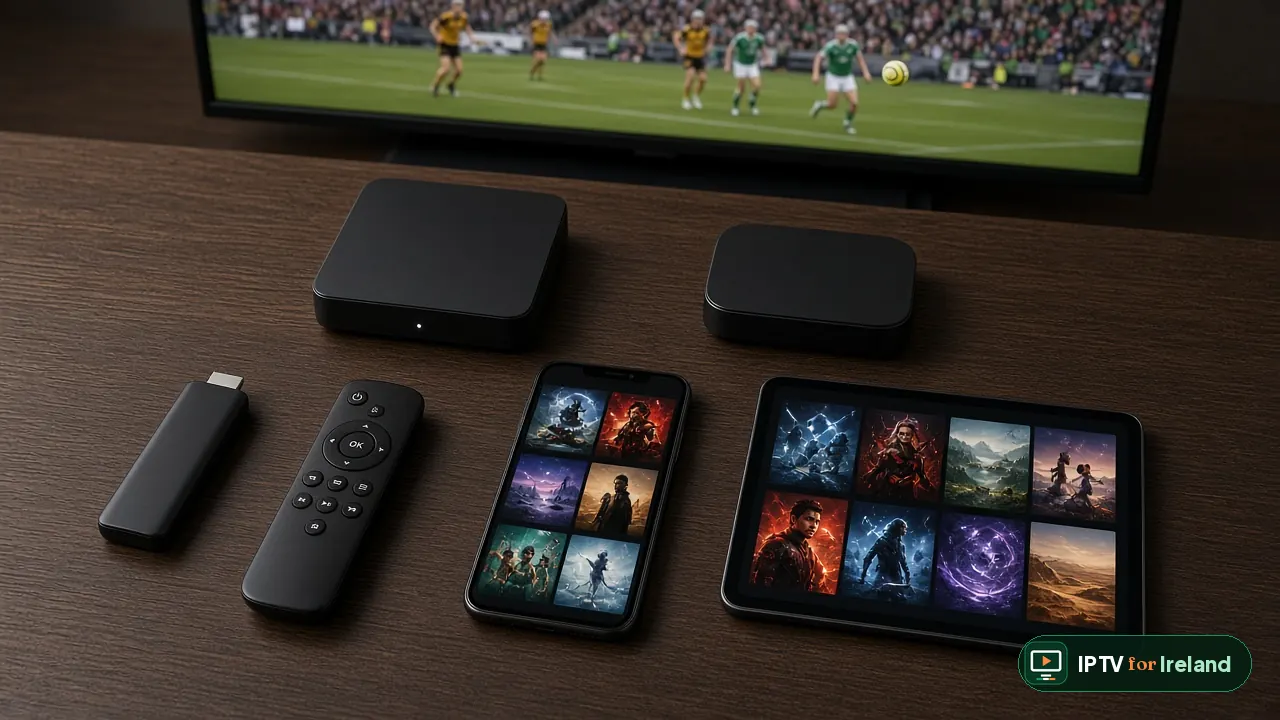
Each guide below is written for one device. They cover installing a player app, adding your IPTV for Ireland login, loading the TV guide, setting favourites and the problems we see most often.
- Fire TV Stick: the most popular choice in Ireland. Install a player app and add your login.
- Android TV, Google TV and Android boxes: built into many Sony, Philips, TCL and Hisense TVs; install a player from Google Play.
- Samsung Smart TV: use a TV player app from the Samsung store.
- LG Smart TV: install a player from the LG Content Store.
- Apple TV: install a player from the App Store on tvOS.
- iPhone and iPad: watch anywhere in the house or on the go.
- MAG and Formuler boxes: dedicated IPTV boxes activated with the MAC address or a portal.
And two guides for the most popular apps, which work across several devices:
- TiviMate: the best-loved player on Android TV, Google TV and Fire TV, with a classic TV guide, catch-up and recording.
- IPTV Smarters Pro: a familiar app on phones, tablets, Windows and Mac computers and many TVs.
What you need before you start
- A supported device. Any of the devices above, connected to your TV and to the internet.
- Your login details. We send them on WhatsApp or by email when your trial or plan starts. Depending on the app, you will get a server address with a username and password (an Xtream Codes login), an M3U playlist link, or we register your device's MAC address.
- Broadband. About 15 Mbps on the device for HD, 25 Mbps for Full HD and 40 to 50 Mbps for 4K.
- Ten minutes. Most setups take five to fifteen minutes from start to finish.
The three login types, explained
Xtream Codes login. This is the most common and the most convenient. You type a server address, a username and a password into the app, and it loads live channels, the TV guide, films and series automatically. TiviMate, IPTV Smarters Pro, IBO Player and most modern apps support it.
M3U playlist link. A single web address that contains the channel list, usually paired with a separate guide (EPG) link. It suits apps that do not support Xtream logins, but films and series may not appear as neatly.
MAC address. MAG boxes, Formuler boxes in portal mode and several Smart TV apps identify your device by its MAC address, a code printed on the box or shown in the app. You send it to us and we link it to your subscription.
You never have to choose: tell us your device and app and we send the right type.
Which device should you choose?
| Device | Best for | Ease of setup | Notes |
|---|---|---|---|
| Fire TV Stick 4K or 4K Max | Most homes, any TV with HDMI | Easy | Excellent with TiviMate; check the model supports installing apps |
| Android TV or Google TV | TVs with Android built in, Android boxes | Easy | Full range of apps from Google Play |
| Samsung Smart TV | Samsung owners who want no extra box | Easy | Apps may have a small activation fee to the developer |
| LG Smart TV | LG owners who want no extra box | Easy | Similar to Samsung |
| Apple TV | Apple households, best picture | Easy | Good choice of App Store players |
| iPhone and iPad | Watching anywhere | Very easy | AirPlay to a TV is possible |
| MAG and Formuler | A dedicated IPTV box | Easy with our help | MAC activation by us |
| Windows or Mac | Desk or laptop viewing | Easy | IPTV Smarters Pro or a browser-based player |
If you are buying something new, a Fire TV Stick 4K or a Google TV device is the best value for most Irish homes. If your TV is a recent Samsung or LG and you do not want another remote, the built-in app route is perfectly good.
After setup: five settings worth changing
- Favourites. Mark the channels you watch most so they appear in a short list.
- Hide groups. Hide the channel groups you never use; the list becomes much easier to navigate.
- Guide refresh. Make sure the TV guide updates daily; most apps do this automatically.
- Parental PIN. Set a PIN to lock adult or late-night groups and settings.
- Time zone. If you live abroad, check the device time zone so the guide shows local times.
Common setup problems
- "Invalid login" or "authorisation failed". Check for a space before or after the username or password, and that the server address includes "http://" and the port if we sent one.
- Channels load but the guide is empty. Give the app a few minutes to download the guide, or refresh it in the settings.
- The app keeps buffering. Restart the device and the router, and see our buffering guide. A network cable usually fixes it.
- Films and series are missing. If you used an M3U link, switch to the Xtream login, which brings the library in properly.
- Too many connections. If someone else in the house is already watching and you are on a one-connection plan, the second stream will not start.
Getting help
Our support team works every day, 9:00 am to 11:00 pm Irish time (Dublin). Send a WhatsApp message with your device, the app and a photo of the screen, and we will tell you exactly what to press next. Many customers find it quicker to leave the trial login to us: we can stay on WhatsApp while you set it up.
Independent apps
Player apps are made by independent developers, not by us. Some are free, some are free with a paid premium version, and some Smart TV apps charge a small activation fee after a trial. Those fees are paid to the app developer and are separate from your IPTV for Ireland plan. Device names are used only to describe compatibility.
Setting up for older relatives
Many customers set up IPTV for parents or grandparents, sometimes in another county or another country. A few choices make life easier for them. Pick one device and one app and stick with it; a Fire TV Stick with TiviMate or a Smart TV app works well. Set the app to open straight on the last channel watched, so switching on the TV feels exactly like before. Mark the five or six channels they watch most as favourites and hide everything else. Write the steps for the two or three things they do most on a card next to the TV: turning it on, changing channel and opening the guide. And save our WhatsApp number in their phone, so they can send us a photo of the screen if anything looks wrong.
Setting up a second or third TV
If you have a two- or three-connection plan, repeat the same steps on each device with the same login. You do not need separate accounts. Each TV keeps its own favourites and settings. If one device is a bedroom TV that only shows the news and the kids' channels, it is worth hiding the other groups on that device so it stays simple.
Moving from cable or satellite
When customers switch from a pay-TV box, the main adjustment is the remote and the guide. Apps such as TiviMate deliberately copy the familiar layout: channel up and down, a grid guide on the centre button, and catch-up by scrolling back. Give it a few evenings and most people stop noticing the difference. If you want the channel numbers to match what you were used to, we can explain how to reorder the list in your app.
Keeping things up to date
Device updates and app updates sometimes change menus slightly. Our guides describe the current versions, and if something on your screen looks different, send us a photo. Leave automatic updates switched on for your TV or stick, but avoid installing unofficial "updated" versions of player apps from unknown websites.
IPTV for Ireland plans and prices
Each plan opens every channel and the full on-demand library. Choose the length and the number of screens, then pay once in GBP.
1 month · 1 screen
£10.99
£10.99 a month
Shortest commitment
- 44,000+ live channels
- 186,000+ movies · 12,000+ series
- Irish, UK, US, sport, international and kids' channels
- HD, FHD and 4K
- EPG TV guide and catch-up
- Smart TV, Fire TV, Android, Apple TV, iPhone, PC, MAG, Formuler
- Stable anti-freeze servers
- Daily WhatsApp support
Pay by card or PayPal · login sent on WhatsApp
3 months · 1 screen
£22.99
£7.66 a month
Covers a full season
- 44,000+ live channels
- 186,000+ movies · 12,000+ series
- Irish, UK, US, sport, international and kids' channels
- HD, FHD and 4K
- EPG TV guide and catch-up
- Smart TV, Fire TV, Android, Apple TV, iPhone, PC, MAG, Formuler
- Stable anti-freeze servers
- Daily WhatsApp support
Pay by card or PayPal · login sent on WhatsApp
6 months · 1 screen
£34.99
£5.83 a month
Half a year sorted
- 44,000+ live channels
- 186,000+ movies · 12,000+ series
- Irish, UK, US, sport, international and kids' channels
- HD, FHD and 4K
- EPG TV guide and catch-up
- Smart TV, Fire TV, Android, Apple TV, iPhone, PC, MAG, Formuler
- Stable anti-freeze servers
- Daily WhatsApp support
Pay by card or PayPal · login sent on WhatsApp
12 months · 1 screen
£49.99
£4.16 a month
Lowest monthly rate
- 44,000+ live channels
- 186,000+ movies · 12,000+ series
- Irish, UK, US, sport, international and kids' channels
- HD, FHD and 4K
- EPG TV guide and catch-up
- Smart TV, Fire TV, Android, Apple TV, iPhone, PC, MAG, Formuler
- Stable anti-freeze servers
- Daily WhatsApp support
Pay by card or PayPal · login sent on WhatsApp
Streaming on 2 or 3 devices at once?
Same channels and library, more streams at the same time. Tap any price to start that order on WhatsApp.
| Connections | 1 month | 3 months | 6 months | 12 months |
|---|---|---|---|---|
| 1 connection | £10.99£10.99 a month | £22.99£7.66 a month | £34.99£5.83 a month | £49.99£4.16 a month |
| 2 connections | £15.99£15.99 a month | £31.99£10.66 a month | £49.99£8.33 a month | £69.99£5.83 a month |
| 3 connections | £19.99£19.99 a month | £41.99£13.99 a month | £62.99£10.49 a month | £86.99£7.24 a month |
All prices are in pounds sterling (GBP £) and are paid once. Nothing renews by itself and there is no contract, so you are never charged again unless you decide to extend. Every plan opens the same 44,000+ live channels, 186,000+ movies and 12,000+ series; only the length and the number of screens that can watch at once change. Not sure yet? Start with the free 24-hour trial. How the free trial works.
Questions Irish viewers ask
Which device gives the best experience?
For most homes a Fire TV Stick 4K or an Android TV box with TiviMate gives the smoothest experience. Smart TV apps are the most convenient, and MAG and Formuler boxes suit people who want a dedicated IPTV box.
Do I need technical skills?
No. If you can install an app and type a password, you can set it up. Our guides explain every screen, and our support team is there if you need help.
Can I set up several devices?
Yes. Install the app on as many devices as you like. Your plan's number of connections limits only how many play at the same time.
What if my device is not listed?
Most devices run Android, have an app store with IPTV players or can take a Fire TV Stick in an HDMI port. Send us the model and we will tell you the best option.
Does the app come with channels?
No. Player apps such as TiviMate, IPTV Smarters Pro and IBO Player are empty players. The channels appear when you add the login details we send you.
How do I change my login on a device?
Open the player app, edit or remove the old playlist or account and add the new details. Favourites may need to be set again afterwards.